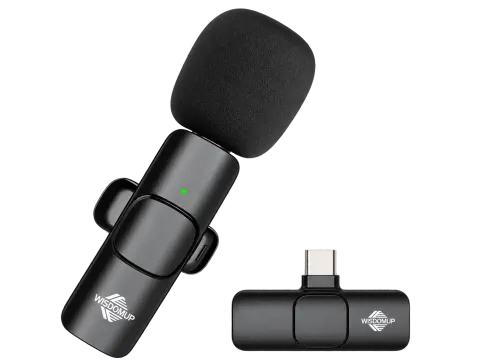
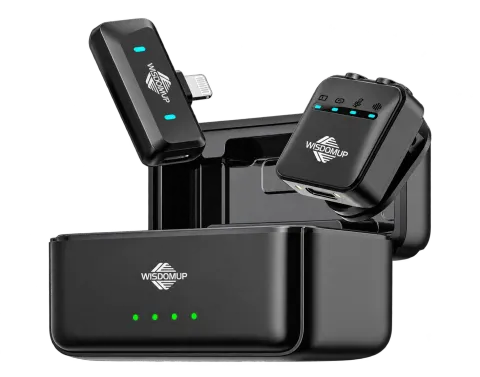
Clean audio for reels and vlogs with a clip-on wireless mic
Your phone's built-in mic hears everything in the room: the fan, the traffic, the echo off bare walls. A clip-on wireless mic moves the microphone to your collar, so your voice is louder than everything else. Here is how to get the most from the MKF-02 and MKF-01.
1. Clip it a hand's width below your chin
About 15–20 cm from your mouth, centred on your chest, gives a full voice without breathing noise. The MKF mics pick up all around (360°), so keep them away from rustling fabric.
2. Plug the receiver in before you open the camera
Connect the receiver to your phone first, then open your camera or recording app so it picks up the mic as the audio input. The transmitter and receiver pair themselves automatically.
3. Stay in sync
The 2.4GHz link has under 20ms of delay, so lips and voice line up on screen — no fixing it in the edit.
4. Pick the range you need
The MKF-02 reaches 15–20 m — plenty for talking-head videos and tutorials. The MKF-01 stretches to 20–25 m for walk-and-talk shots and events.
5. Keep your phone charged
Both receivers let your phone charge while you record, so long live streams don't end with a flat battery.
Making content with WisdomUp gear? Have a look at our Content Creators Program.